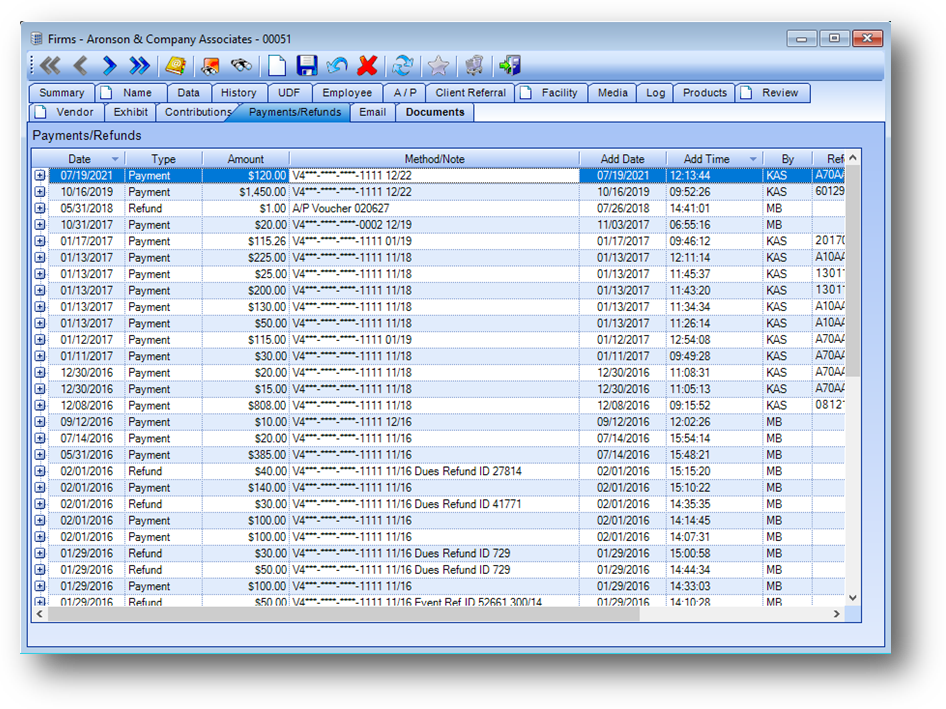
Purpose: The Payments/Refunds tab displays information about payments made by this firm and refunds to this firm.
Launch Point: This tab can be launched from:
•Firms → File Maintenance →
Example:
Payments/Refunds
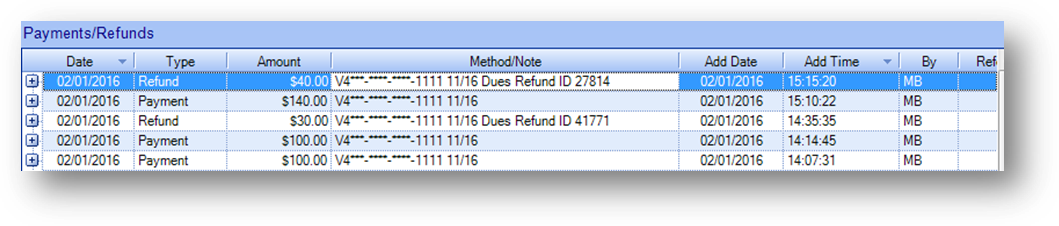
The parent row shows information about the payment/refund made by the firm.
Note: Some transactions, such as a firm check applied using the Person button in cash receipts, are not shown.

The child rows show the details for the payment/refund.