The system can be configured to allow for the entry of attendance codes for an event. Am.net only stores the attendance codes, and/or multiple-choice questions and answers, along with related credits. Your website is responsible for streaming the content, collecting the attendance responses from the attendees, and calculating their earned credits. Note: Contact your web developer regarding the functionality required on your website for working with attendance codes.
Once earned credits have been calculated, the website then passes in, to AM.Net, updates to a registrant’s credits.
The ability to enter attendance codes for an event must be turned on in the system by CDS. If you would like to be able to enter attendance codes, please contact CDS.
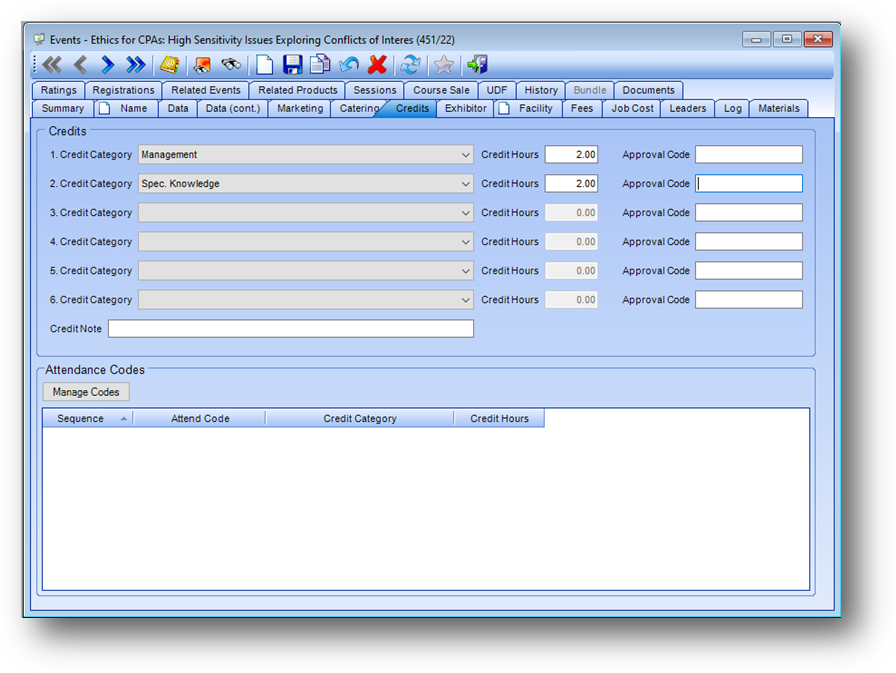
When your system is setup to allow for the entry of attendance codes, in Events File Maintenance on the Credits tab, an Attendance Codes group box is displayed at the bottom of the tab.
Note: Attendance codes can only be entered for credits at the event level, not for credits on a session.
Note: User rights for the entry of attendance codes are handled under the Events – File Maintenance – Masterfile Maintenance user right.
Note: The Attendance Codes group box and context menu listings will be disabled on events with a Status of Bundle or Course Sale Template.
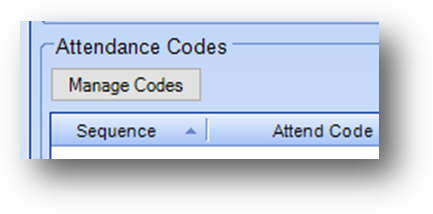
If have user rights, and event Status is not Bundle or Course Sale Template, the context menu in the grid will be enabled. There are three related listings, Add Attendance Code, Edit Attendance Code, and Delete Attendance Code.
To add a new record, right-click in the grid and select Add Attendance Codes from the context menu.
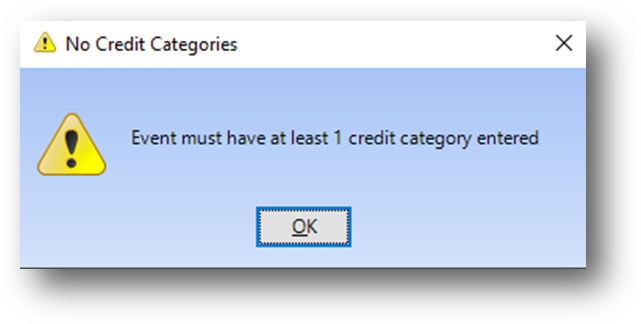
If there are no credit categories on the event this message is shown. The event must have at least one credit category on it to be able to enter attendance codes.
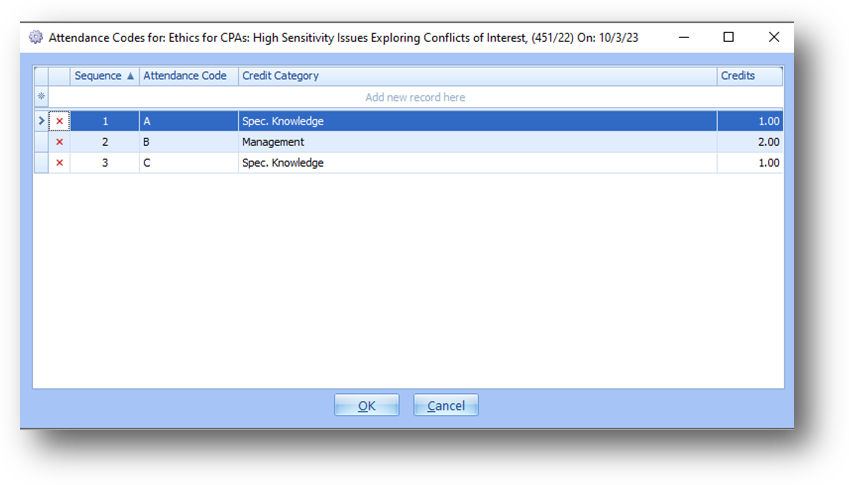
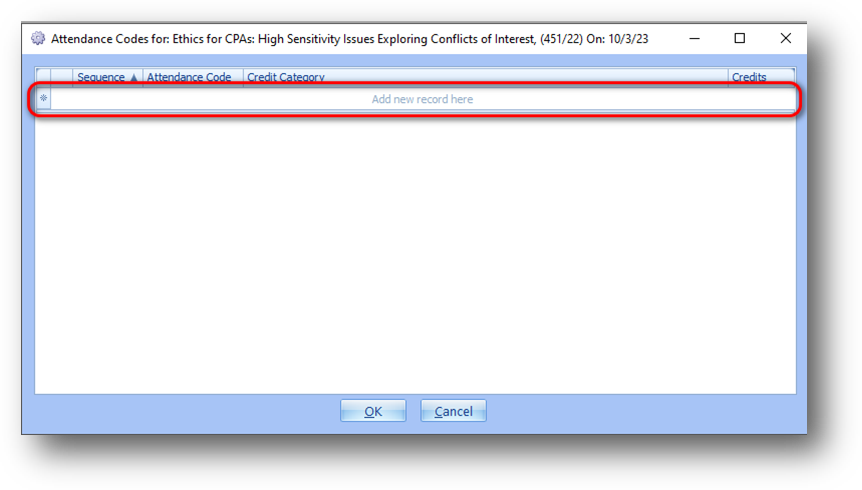
The attendance codes screen will open.
Sequence, Credit Category, and Credit Hours are required. Note: The system will automatically populate Sequence with the highest existing sequence number plus one. This is a 2-digit numeric field.
Note: The Credit Category drop down list only shows the categories already assigned to the event.
Also required, is either Attendance Code or Correct Answer and Question Text.
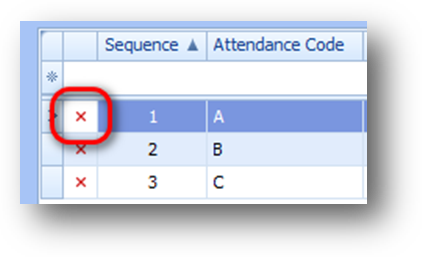
To edit an existing attendance record, right-click on the row to work with in the grid and select Edit Attendance Code from the context menu.
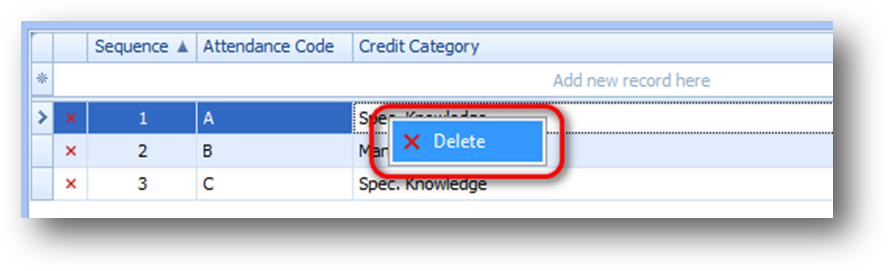
To delete an existing attendance record, right-click on the row to work with in the grid and select Delete Attendance Code from the context menu.